Difference Between LUX-200F and LUX-200F-S
Both meters measure flash effective intensity. The main difference is how you use them and whether a PC is required.
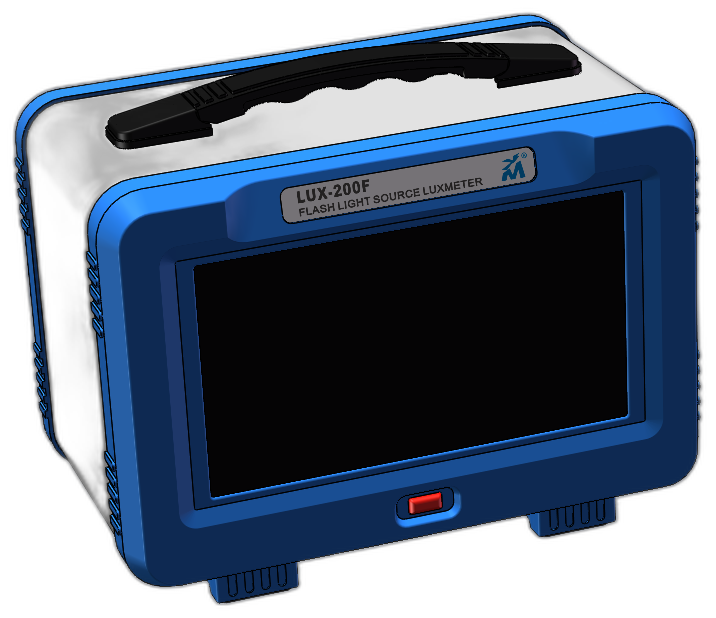
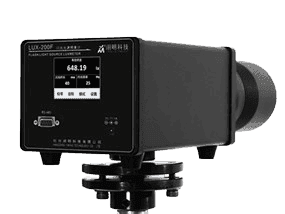
LUX-200F is an all-in-one unit: testing is completed through a PC and software, so it fits well inside a light-distribution test system with a goniophotometer and system software. LUX-200F-S separates the probe and host, with a large display for standalone readout, and is easier to wire into chambers, production lines or PLCs.
What you are measuring
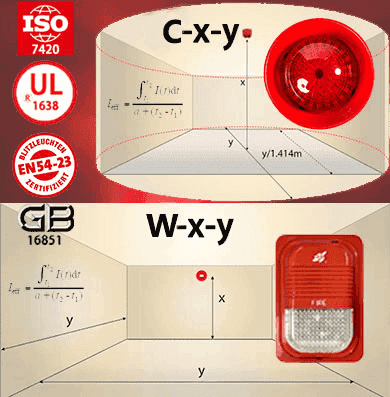
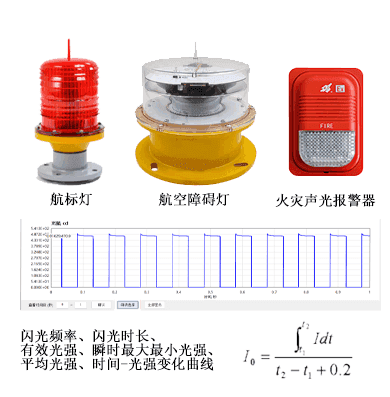
A flash is too fast for many ordinary luxmeters, and those meters usually cannot report effective intensity (Ieff). These instruments record the illuminance waveform, compute effective illuminance, then effective intensity; flash rate and duration are available too.
Fire VADs, warning lights, obstruction lights and navaids often need this for type tests and production checks.
LUX-200F vs LUX-200F-S
| Item | LUX-200F | LUX-200F-S |
|---|---|---|
| Form | All-in-one | Separated probe and host |
| How testing is completed | Needs a PC and PC software for capture, calculation and results | Large host display for standalone readout; optional external I/O by model |
| Better fit | Built into a system; no need for on-site direct readout | Chambers, line stations, field checks; PLC / line software |
| Interfaces | USB + PC software | Optional RS485 / RS232 / Ethernet / WiFi by model code |
| What it measures | Same core quantities: effective intensity, effective illuminance, flash rate, duration | |
When to choose LUX-200F-S
- The probe must sit in a chamber or on a line fixture, with the host outside for readout.
- You need to read the result on site without connecting a PC each time.
- Data must go to your PLC or line software; pick the interface suffix in the table below.
How to read LUX-200F-S model codes
Example: LUX-200F-S-I1
- S: separated probe
- I + digit: data interface
| Suffix | Interface |
|---|---|
| I1 | RS485 |
| I2 | RS232 |
| I3 | Ethernet |
| I4 | WiFi |
| I5 | RS485 + Ethernet |
| I6 | RS232 + Ethernet |
| I7 | RS485 + Ethernet + WiFi |
| I8 | RS232 + Ethernet + WiFi |
Tell sales which bus you use on site before ordering.
For a quote or interface check, email sales@hzymtech.com, or open the product pages: LUX-200F · LUX-200F-S.